Why a Fast Homepage Can Still Feel Slow: A Practical Triage
A homepage can earn a respectable performance score and still feel strangely hesitant. The banner appears, but the headline jumps down. A button is visible, yet the tap seems to do nothing. Or the page loads promptly on a desktop and turns into a waiting game on a midrange phone.
Those are different problems. Chasing a single green score will not necessarily fix any of them. The useful question is simpler: what did the visitor try to do, and what got in the way?
Start with a real task, not an audit report
Choose one thing a visitor should be able to accomplish: read the first line, open Services, find an example, or reach the contact form. Test it on a phone using a normal mobile connection. Record the screen, then write down the first moment the interface feels ready and the first moment it actually responds.
Run that test twice: once with an empty browser cache and once after the page has already been visited. If the difference is enormous, asset caching or repeat downloads may be worth investigating. If both visits feel awkward, look at what the browser is doing during the first few seconds.
Four suspects worth checking
1. A hero image that is too expensive
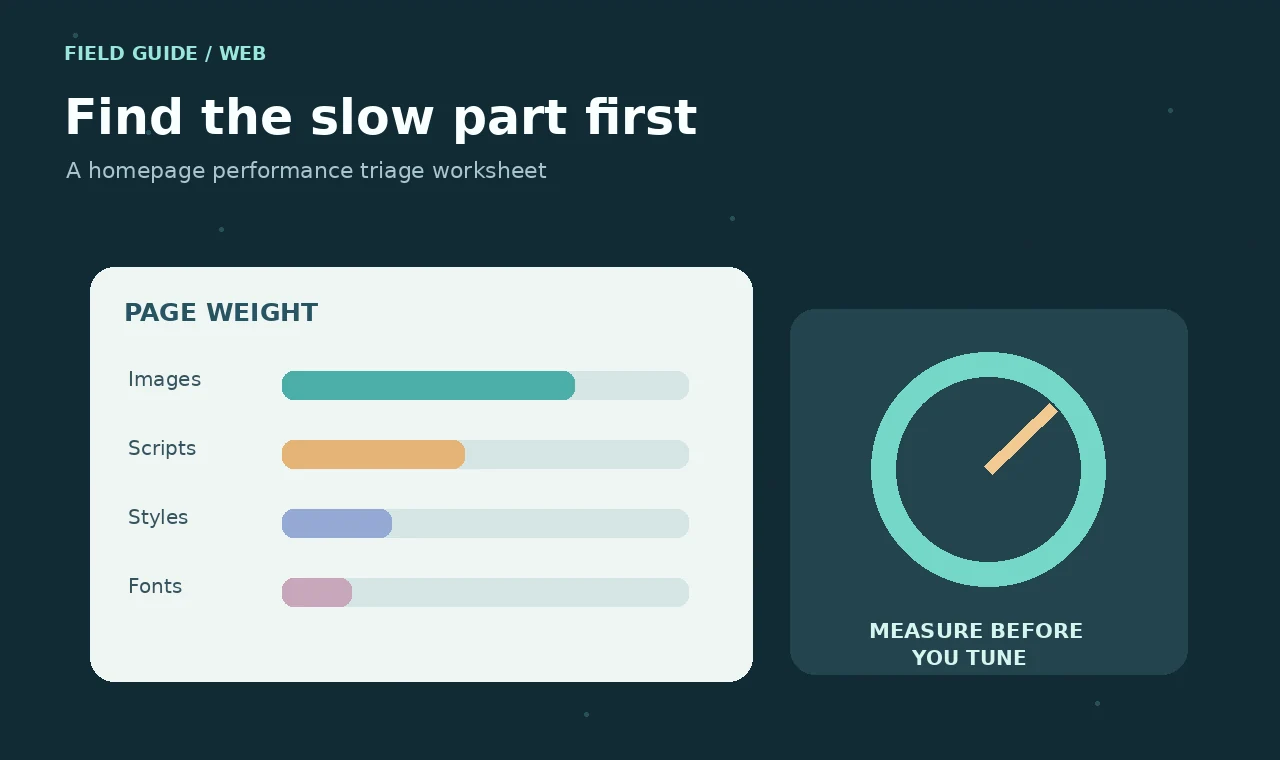
Start with the actual bytes transferred, not the image’s dimensions in the design file. A full-width illustration served at the same resolution to a small phone wastes bandwidth. Export sensible mobile and desktop sizes, use modern image formats, and declare image dimensions so the browser can reserve space. The main hero usually needs priority; images farther down the page usually do not.
Do not lazy-load the one image that dominates the first screen. It sounds efficient but can delay the exact thing visitors came to see.
2. Fonts that change the layout after the text appears
A font swap can move navigation labels and change the height of a headline. Choose a close fallback font and test whether the layout survives while the custom font downloads. Keep the number of weights under control; loading five nearly identical weights is seldom a good bargain.
3. Scripts that interrupt the first interaction
A carousel, analytics snippet or animation library can occupy the main thread just when a visitor is opening the menu. Check the browser performance trace for long tasks. Remove scripts that do not serve the page, defer the ones that can wait, and avoid recalculating layout on every scroll event. A small amount of native CSS often replaces a surprising amount of JavaScript.
4. Content that moves after the visitor has aimed
Cookie notices, promotional banners and late-loading cards can shift controls beneath someone’s finger. Reserve space for predictable elements. If a notification must appear, avoid inserting it directly above the action a user is likely to take. A page that looks visually stable often feels faster, even before the loading numbers improve.
A practical 30-minute triage
- Five minutes: test the homepage on a real phone. Note the first awkward moment and the task affected.
- Five minutes: inspect the network waterfall. Sort by transferred size and find the image, font or script doing the most work.
- Ten minutes: make one reversible change—compress the hero, remove an unused script or fix missing image dimensions.
- Five minutes: retest the same task under the same conditions.
- Five minutes: record what changed, including anything that got worse.
Changing a dozen things at once makes the test less informative. It also makes rollback harder when a supposedly harmless optimization breaks something.
What to put in the handoff notes
Leave the next person a short record: URL tested, device, connection, date, symptom, change made, before-and-after measurements, and known tradeoffs. If you used a synthetic test, say so. If you tested only in a browser emulator, say that too. These details are much more helpful than writing “speed fixed.”
Keep an eye on WordPress-specific sources of avoidable work: plugins adding global assets to pages that do not use them, repeated database queries inside card loops, oversized autoloaded options, and page builders generating unnecessary markup. An object cache helps some sites, but it cannot rescue a layout that downloads the wrong image or runs too much JavaScript.
Know when to stop polishing
Performance work has a point of diminishing returns. Once the page feels responsive on common devices, prioritize the broken contact form or unclear offer over shaving a few more milliseconds from a lab metric. Make the page work for people, then let the measurements tell you whether the improvements lasted.
These website materials, articles and examples are provided for educational and informational purposes only.