Checkout Failures Worth Testing Before Your Store Opens
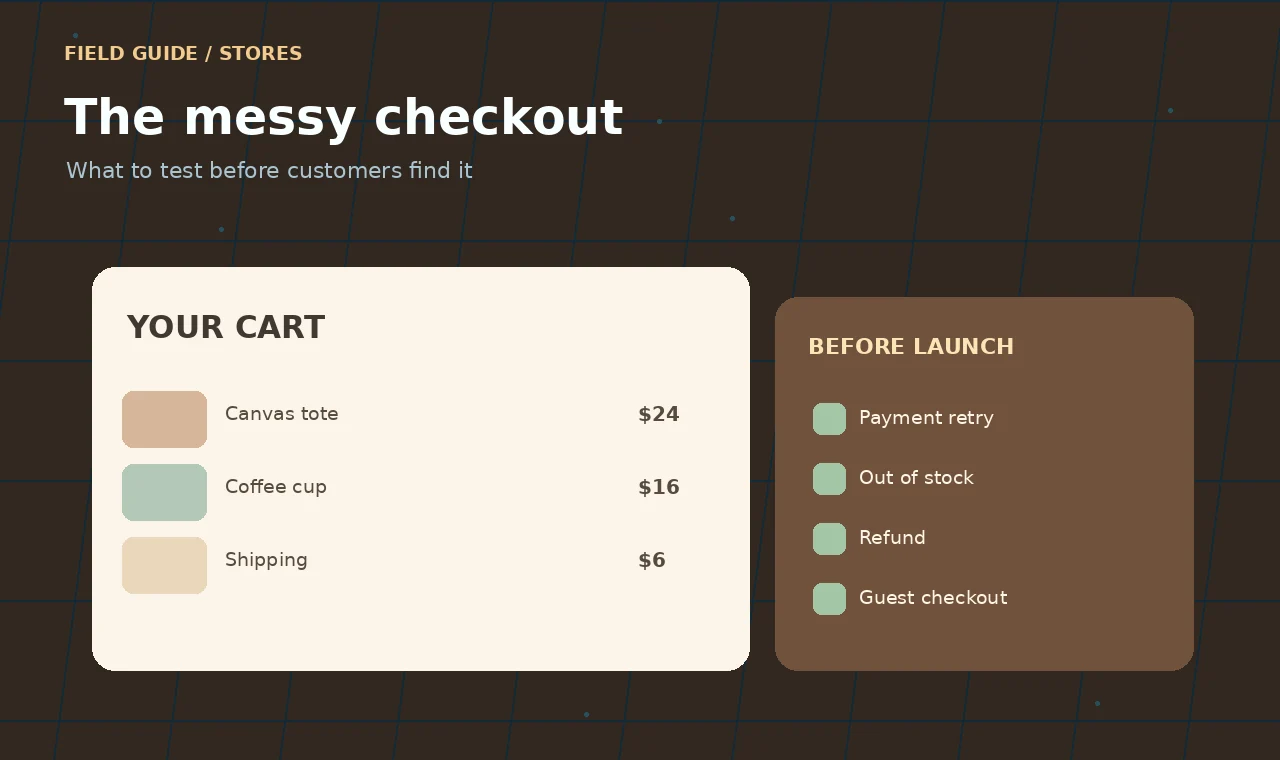
A store’s checkout rarely breaks during the tidy demonstration. The cart contains one item, the payment succeeds, and the confirmation email arrives in seconds. Real customers bring less convenient conditions: slow networks, abandoned tabs, expired sessions, double taps and stock that changes while they are deciding.
The uncomfortable bugs tend to live in those edges. Here is a checkout test plan built around what can go wrong, not just the happy path.
First, write down the promise
Decide exactly when an order becomes real, when inventory is reserved, and what the customer sees if payment is still being confirmed. Your system needs one understandable answer for each situation. If your team cannot explain the order’s state in plain language, the implementation is likely to be confusing too.
Test payment retries before they test you
Start a payment, disconnect the network, reconnect, and tap the pay button again. Does the customer create two orders or get charged twice? A payment integration should use a stable order reference and the provider’s supported idempotency mechanism so the same intended payment is not accidentally repeated.
Try the same test after refreshing the page or returning from an authentication step. Do not treat a browser redirect as proof that the payment succeeded. Server-side provider notifications and an independently retrievable payment state matter when the customer closes the tab early.
Put stock under pressure
Add the last available unit to two carts. Attempt checkout from both. Decide which transaction owns the stock and how the losing customer is told about the change. A pleasant message is useful, but the real fix is preventing inventory from silently becoming negative or orders from appearing successful when they cannot be fulfilled.
Run a similar test for product variants, bundles and coupons. A discount valid for one variant should not unexpectedly discount every variation in the cart.
Shipping should not be a surprise
Test addresses near your shipping boundaries, remote postcodes and destinations you cannot serve. Show delivery charges and restrictions as soon as you can calculate them reliably. Do not let the final step reveal a fee that could reasonably have been explained earlier.
Try a guest checkout, an existing customer’s login and an address with a long apartment line. Test on a phone with the keyboard open; a fixed checkout button that hides the address form can turn a straightforward task into a dead end.
Check all the ways a payment ends
It is not enough to test “approved” and “declined.” Walk through a pending payment, authentication challenge, canceled payment, delayed callback, refund and partial refund. For each one, compare three views: what the payment provider says, what the order database says, and what the customer sees in their account or email.
If those states disagree, write down how reconciliation happens. Do not mark an order paid merely because a webhook was received; verify the event according to the provider’s guidance, handle duplicate deliveries and match it to the intended order.
A checkout matrix you can reuse
| Situation | Expected outcome |
|---|---|
| Pay button tapped twice | One intended order and no accidental duplicate charge |
| Network lost during payment | Customer sees an honest pending state and can recover safely |
| Last unit purchased elsewhere | Stock conflict handled before order is accepted |
| Provider callback arrives twice | Order state changes once, with events logged |
| Guest checks out on mobile | Form works without forced account creation |
| Refund is issued | Provider, order history and customer communications agree |
Keep the test evidence useful
For each run, record the device, payment test mode, product and stock setup, exact steps, expected result, actual result and order reference. Use provider sandbox data, not live customer payment details. Save a screenshot of the error state, but keep private information out of shared issue trackers.
Once you have a reliable checklist, automate the stable parts—totals, tax calculations, order-state transitions, duplicate event handling. Keep some real-device testing for keyboard behavior, clarity and accessibility. A successful API response is not proof that a person could finish the purchase.
Before launch, agree on who investigates mismatched payments and how support can look up an order without exposing sensitive data. Good checkout design includes a recovery plan for the days when the network, the browser or an external service refuses to cooperate.
These website materials, articles and examples are provided for educational and informational purposes only.