Brand Colors That Survive Real Screens, Forms and Printouts
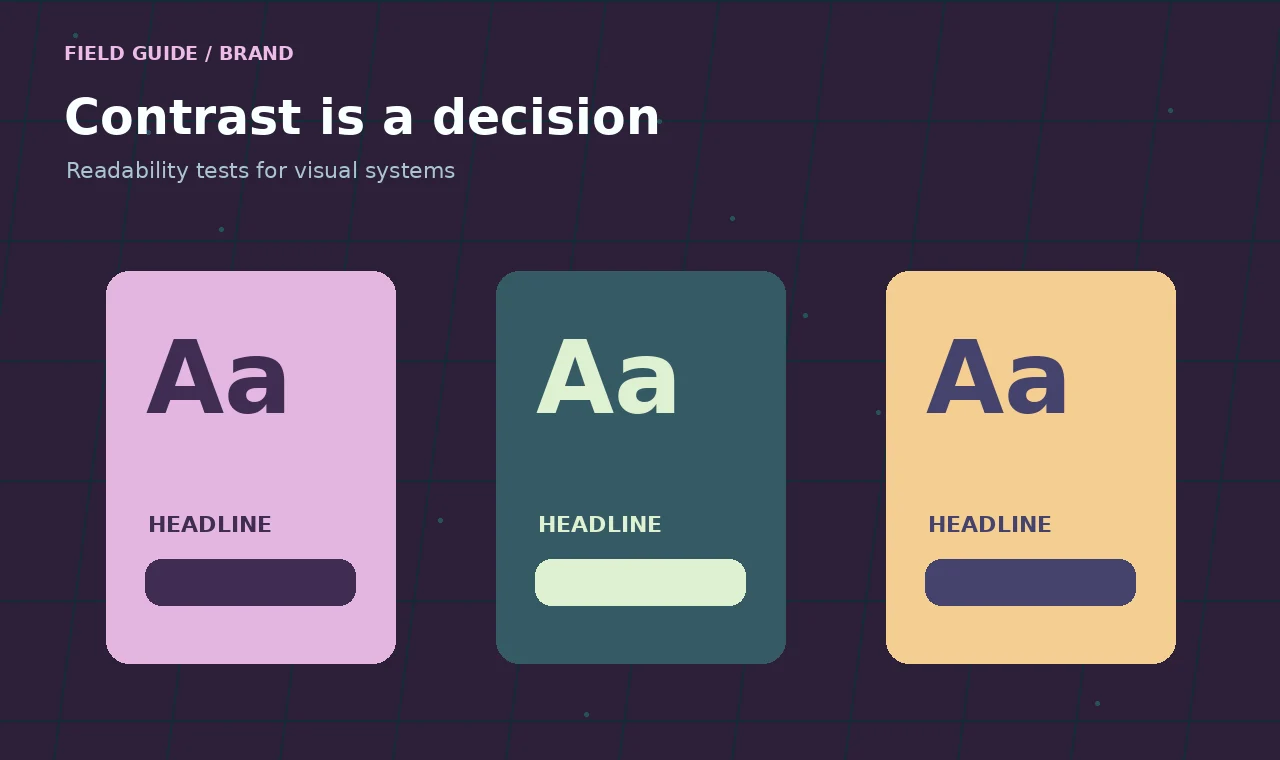
A palette can look perfect in a presentation and fall apart the moment it meets a phone screen. The pale green that felt elegant on a large monitor turns into a barely visible button. The dusty gray chosen for captions disappears over a photograph. Someone prints a price list and discovers that two “different” shades are nearly identical.
That is not necessarily a bad palette. It is a palette that has not been tested in the places it needs to work.
Give colors jobs before you give them names
Instead of starting with ten attractive swatches, list the jobs your interface needs color to perform: primary text, secondary text, background, interactive control, border, success, warning and error. One brand color may do several jobs, but it should not be expected to do all of them.
For example, a vivid mint may be great as a small accent against charcoal. The same mint used for a paragraph on white could be exhausting to read. Preserve the spirit of the brand by choosing a darker text shade from the same family rather than forcing the original swatch into the wrong role.
Test combinations, not isolated hex codes
Contrast is a relationship between a foreground and a background. Check it where people will actually read or click. For ordinary body copy, WCAG’s familiar AA contrast target is 4.5:1; for large text, 3:1. Those numbers do not describe every visual accessibility need, but they are a practical place to begin.
Be careful when the background is a gradient, image or translucent panel. A button label might be readable at one end of a photograph and nearly invisible at the other. Test the weakest point rather than the average. When in doubt, put text on a solid surface.
Build three everyday test scenes
Scene one: the cramped mobile header
Put your logo, menu control and primary call to action inside a narrow phone layout. Reduce the brightness. Can you still tell which element is clickable? Does the brand color help explain the hierarchy, or does every item compete for attention?
Scene two: a long article
Use real-length headings, links, body text, blockquotes and a list. A palette that works on a six-word hero might fail over eight hundred words. Check inline links without relying on color alone; an underline or other visible treatment makes them more dependable.
Scene three: a form with a problem
Show a missing required field, a helpful hint, a disabled button and a successful submission state. An error should not be communicated by red alone. Pair the color with clear text and a visible association to the field that needs attention.
Use design tokens to keep everyone aligned
Record semantic names such as text-primary, surface-raised and action-primary instead of asking developers to remember that “the second green” means a button. That gives you room to adjust accessibility later without hunting through every page.
A small token sheet can contain the name, hexadecimal value, permitted usage, contrast-tested foreground, and one example. You do not need an elaborate design system to get value from that discipline.
Do not forget the less glamorous places
Check email templates, social thumbnails, invoices, low-quality displays and grayscale printouts. Make sure charts can still be interpreted without hue alone; label lines directly or use patterns and markers. Review focus indicators, too. A beautiful interface is hard to use when keyboard focus vanishes into the background.
A handoff that actually prevents rework
When the palette is ready, deliver a page of examples rather than only a strip of swatches. Include the approved logo treatments, text and background pairings, button states, form states and prohibited combinations. If a certain pale color is decorative only, write that down. This is exactly the kind of decision that gets lost between a design file and a live website.
The goal is not to make every screen identical. It is to give the brand enough structure to stay recognizable when the medium, lighting and content change.
These website materials, articles and examples are provided for educational and informational purposes only.